
My Pen Notes
- iPhone
- iPad
- Mac
Your PDF. Your handwriting. Your notebook.
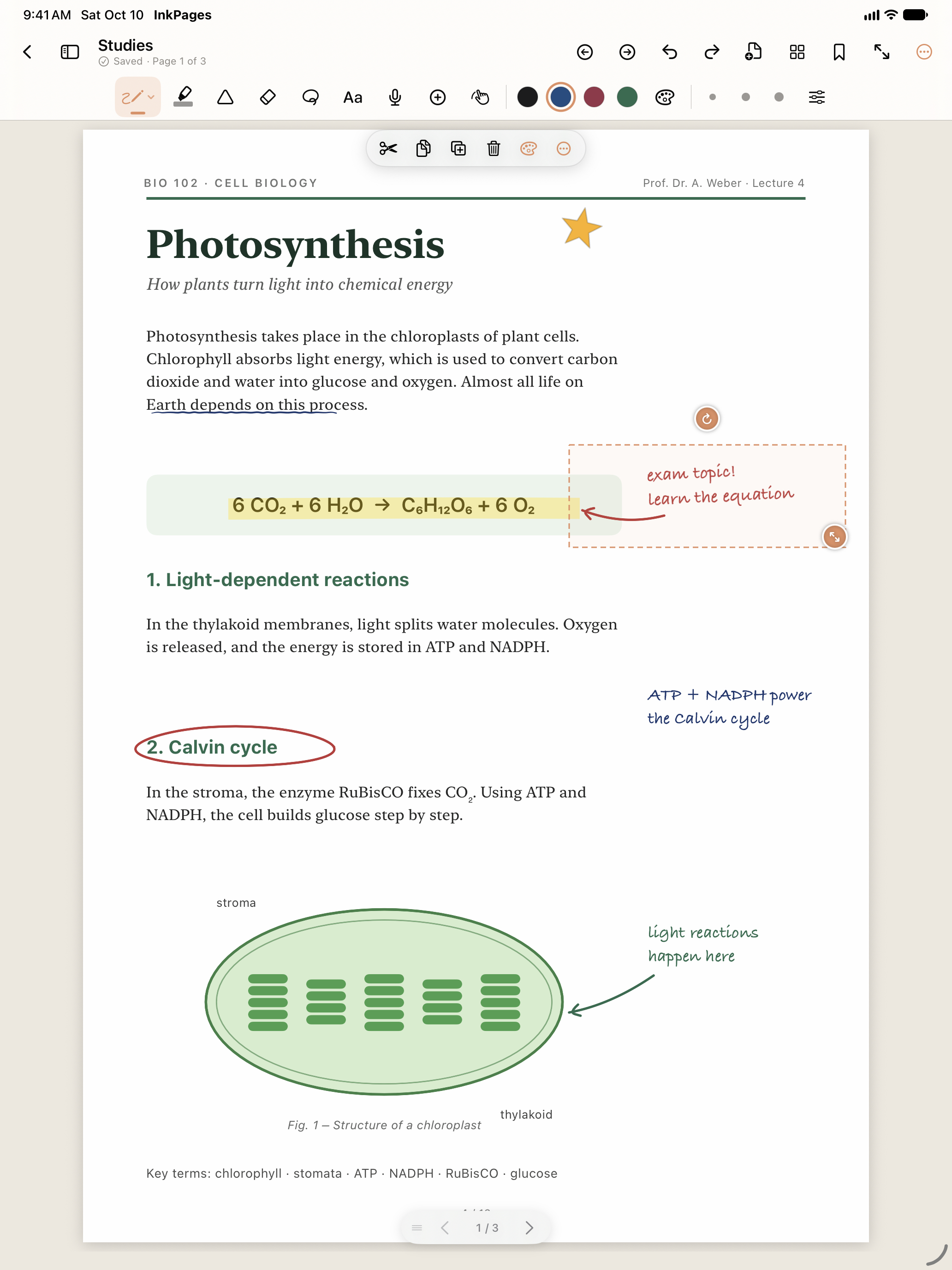
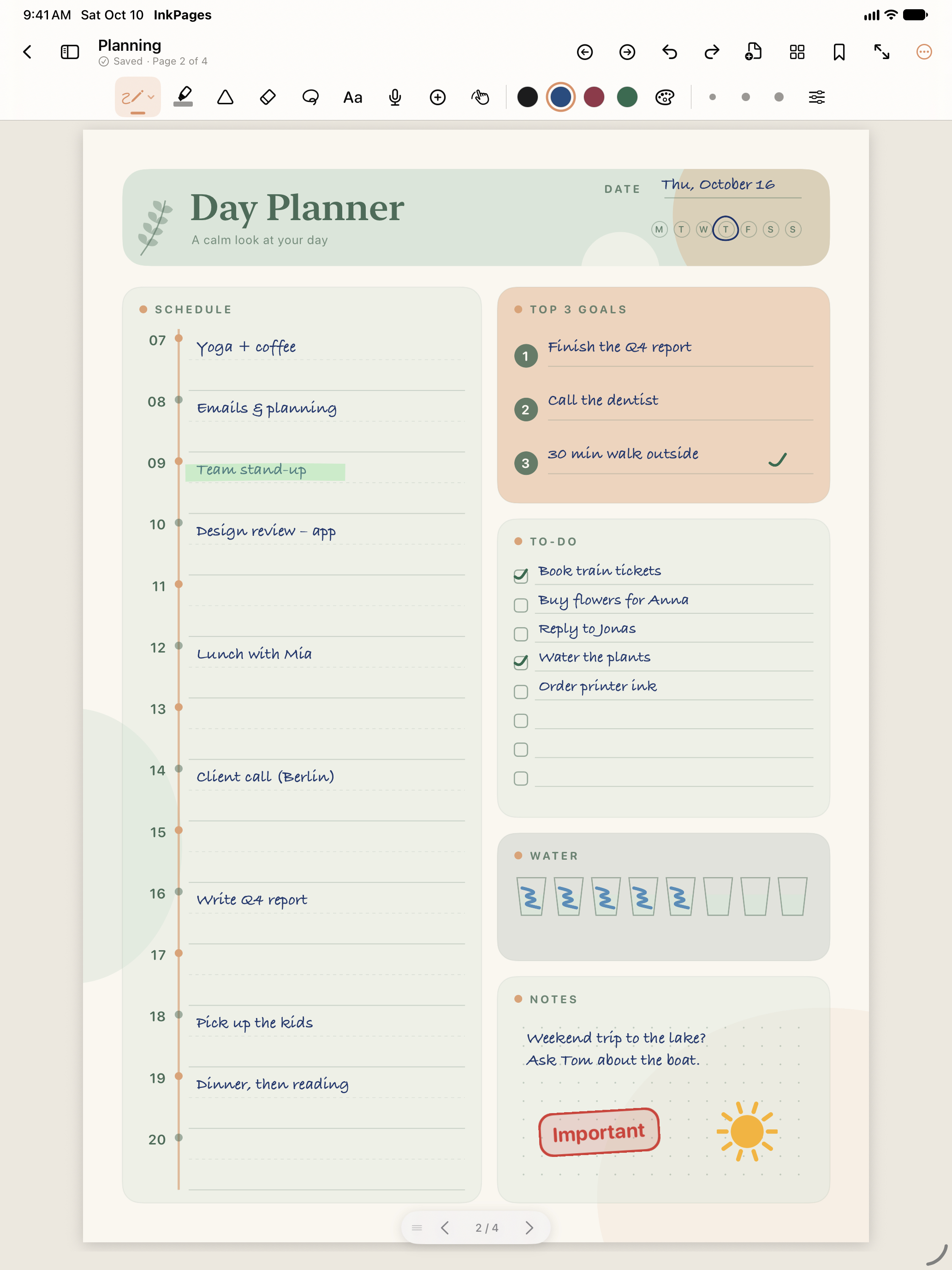
Write directly on worksheets and PDFs, design your pages and connect notes with audio memos.
- Natural handwriting on your own PDFs
- Stickers, checklists and reusable favourites
- Audio memos linked to your notes
My Pen Notes Standard & schools
One-time purchase, no in-app purchases
For iPhone, iPad, MacOne purchase covers all listed platforms (Universal Purchase).
- Works offline
- Yes
More about “Works offline”
Editing downloaded local notebooks works offline. iCloud sync and external web links need internet.
Information provided by the developer, not yet checked against the published version.
- Account
- Not required
More about “Account”
No separate app account. Optional sync uses your Apple Account via iCloud.
Information provided by the developer, not yet checked against the published version.
- GDPR compliance
- Confirmed (see privacy policy)
More about “GDPR compliance”
- Content storage
- On your device
More about “Content storage”
Stored locally; optional iCloud sync if you turn it on.
Information provided by the developer, not yet checked against the published version.
More about My Pen Notes
Writing that feels right. Felt-tip, ballpoint, fountain pen, pencil and brush pen. On supported Apple Pencil hardware, ink responds to pressure and tilt.
PDFs become notebooks. Existing internal and external links keep working. Add your own links to pages or objects and navigate with page previews and chapters.
Fewer steps. Lasso, a clipping tray for several copied selections, layers, object locks, ruler and colour picker.
Notes with a voice. Record audio memos, trim them or continue later, and jump from a note to the moment you want to hear again.
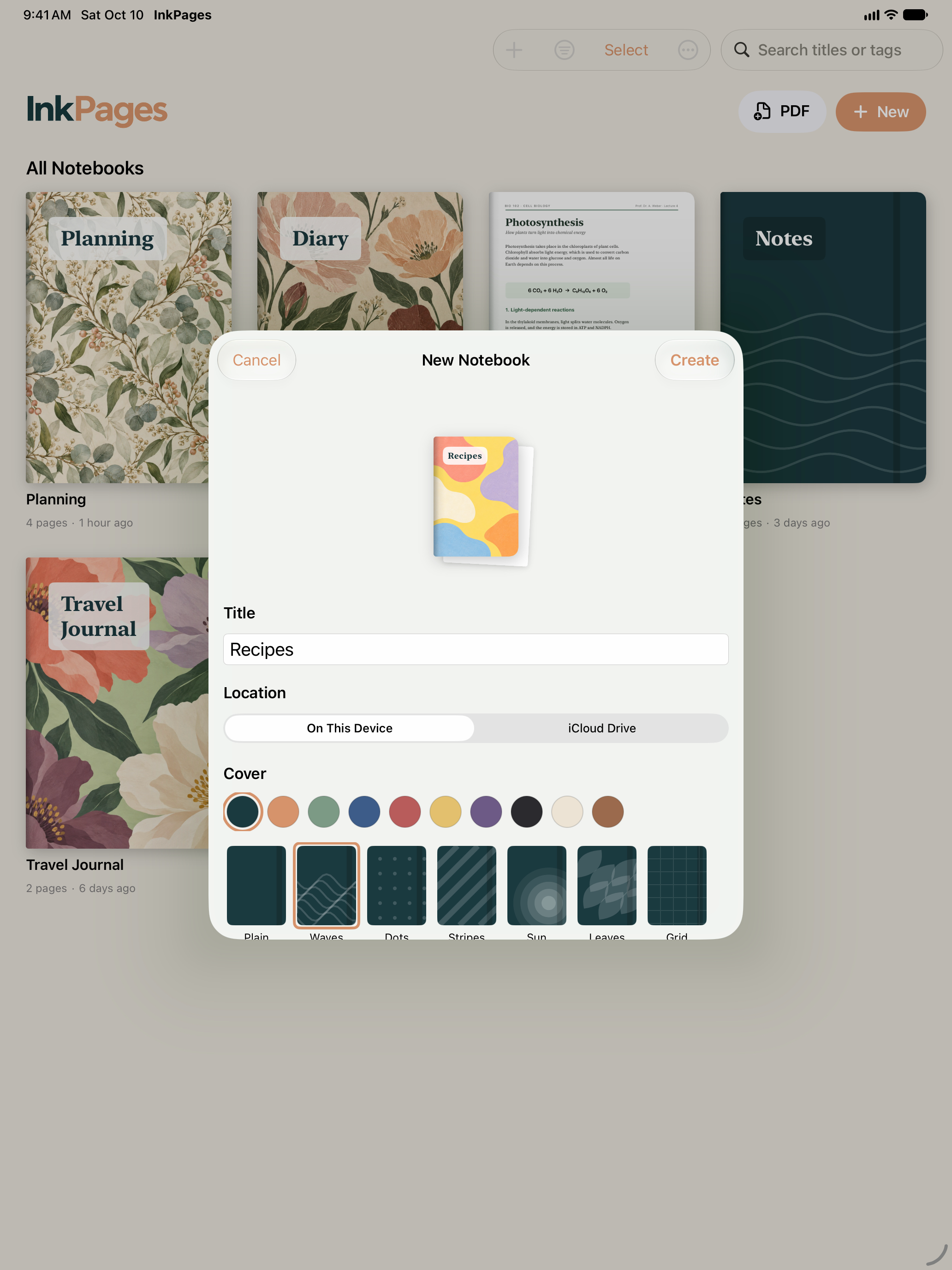
Save and share. Changes save automatically – locally or with optional iCloud sync. Export PDFs, print pages or share a complete notebook that stays editable in InkPages.
Apple Pencil features and on-device handwriting recognition depend on hardware, operating system and language.
For schools
A printable information sheet with QR code sums up everything for your school IT.
Information for your school ITHelp and ideas
Ask us or suggest a feature – with this app already selected.
Support Suggest a feature